1
vibe-coded sites look unfinished
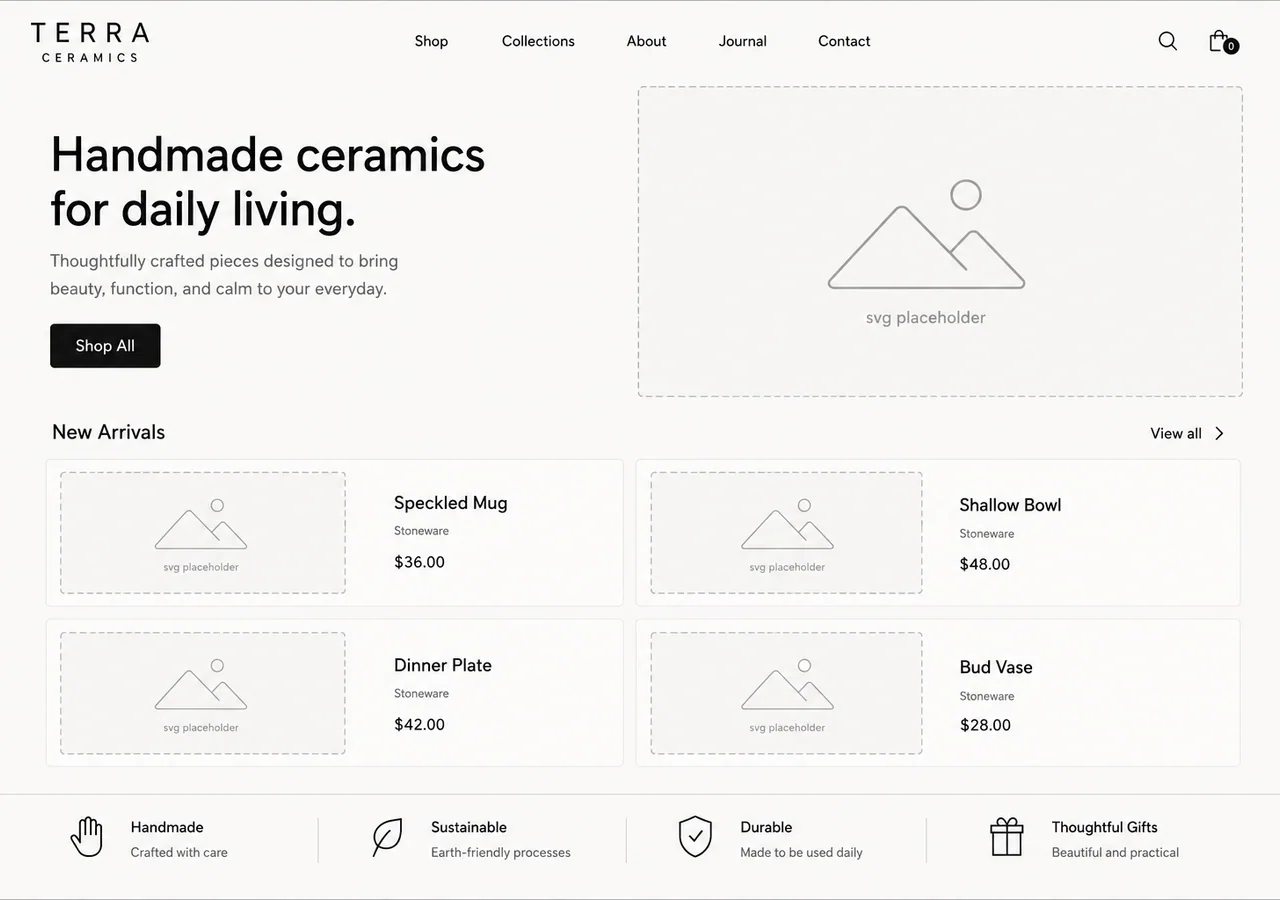
the layout is fine. the copy is fine. then every image slot is a grey rectangle with a mountain icon in it.
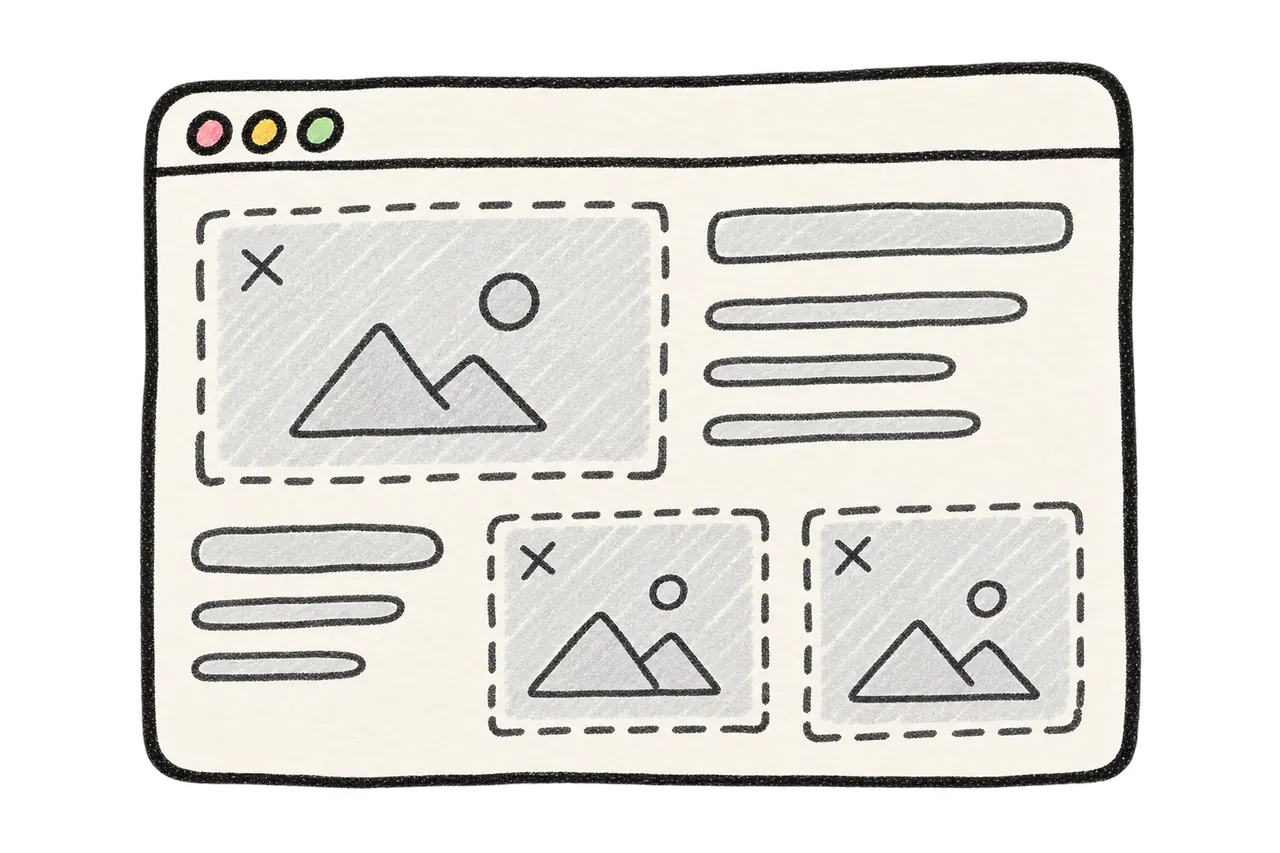
looks empty. feels half-done.
Hand your coding agent a paintbrush — MCP image generation through your own ChatGPT session, so sites feel finished.
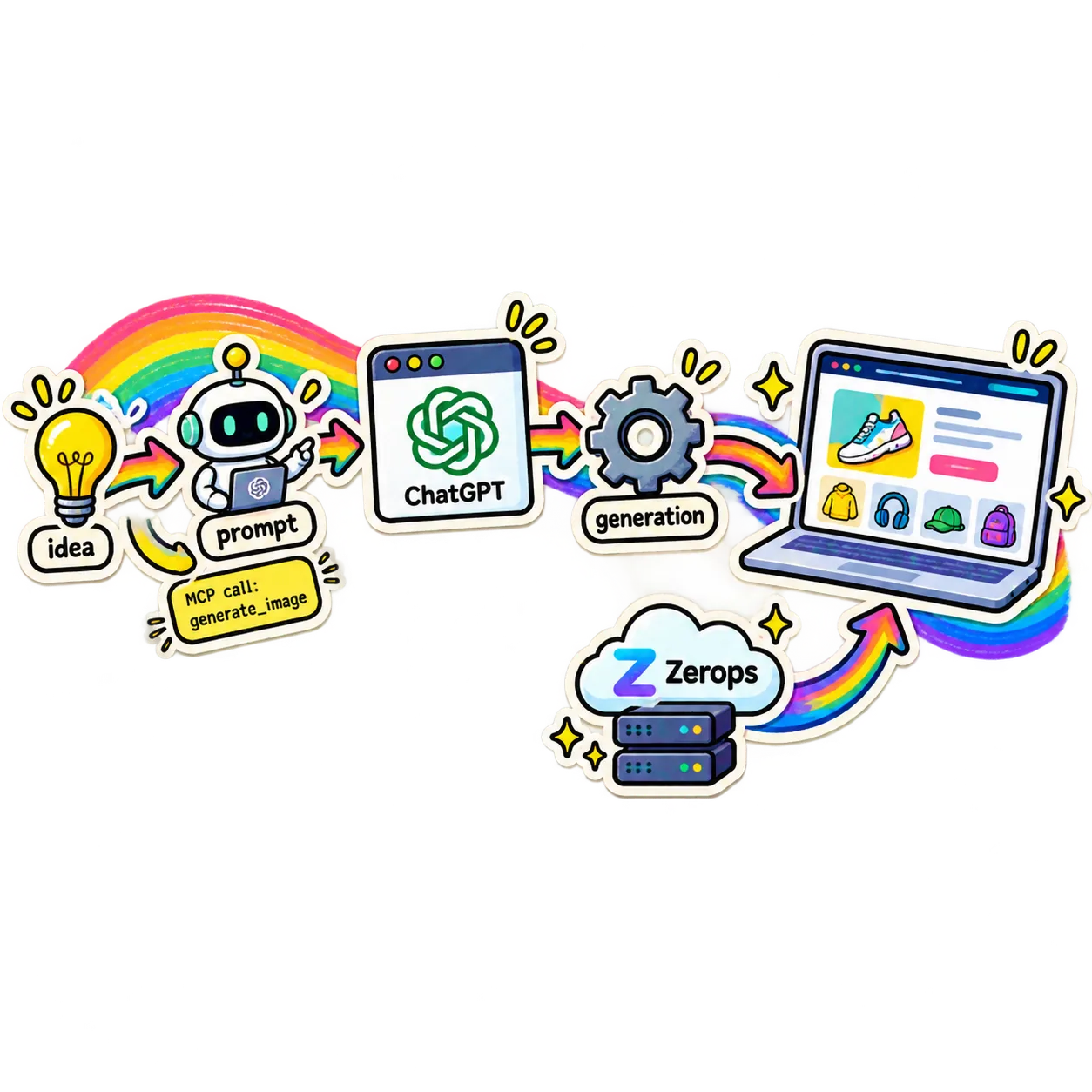
agents that write code can finally paint too
the annoying part
everything ships except the pictures. so the page that was 90% done stays 90% done.
the layout is fine. the copy is fine. then every image slot is a grey rectangle with a mountain icon in it.
looks empty. feels half-done.
you already pay for ChatGPT. adding a second billing account just to make a hero image is silly.
extra signup. extra billing. no thanks.
small, generic, off-brand output that you end up replacing by hand anyway.
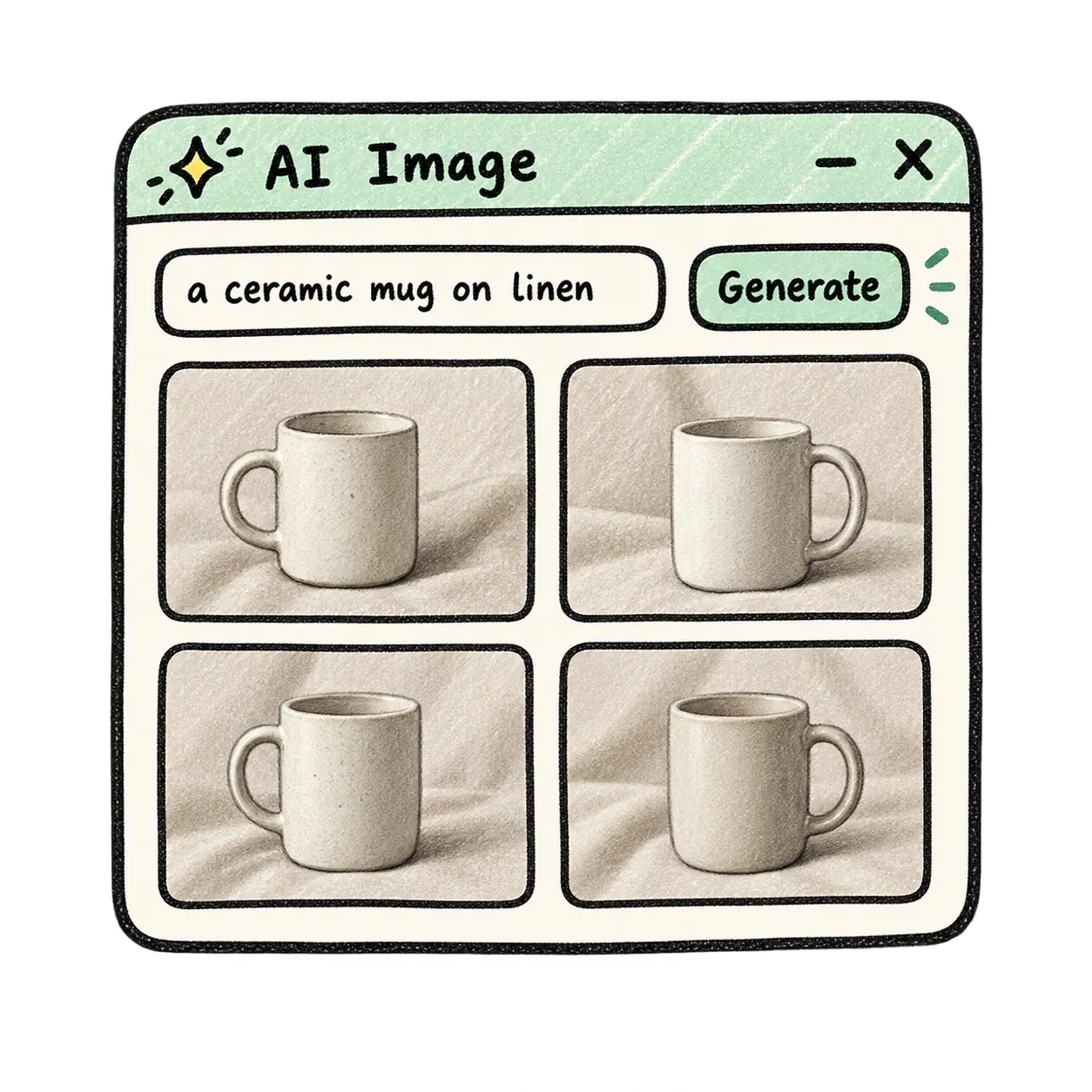
close, but not what i wanted.
leave your agent, open a tool, make the image, download it, drop it in, update the path…
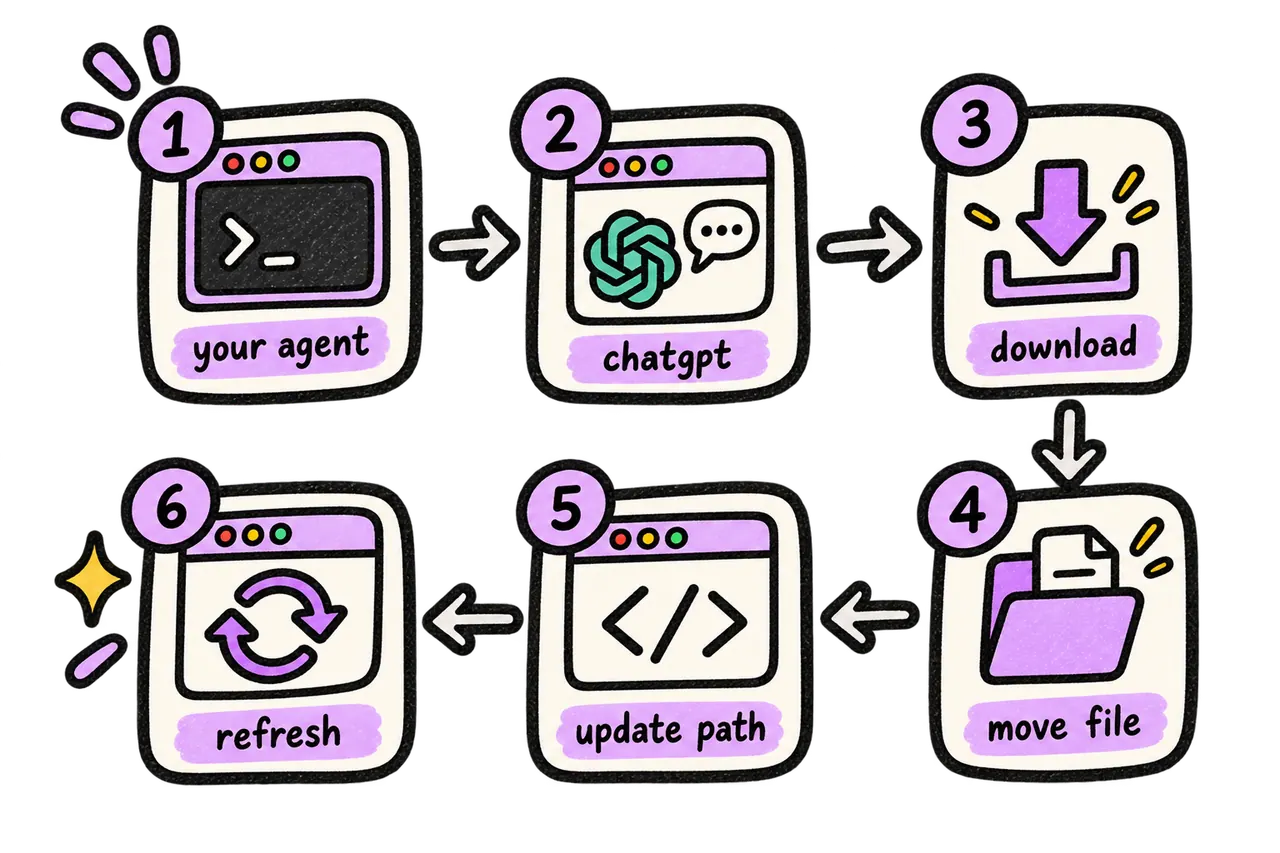
too many steps. breaks momentum.
the fix
one tool: generate_image. prompt in, file path out.
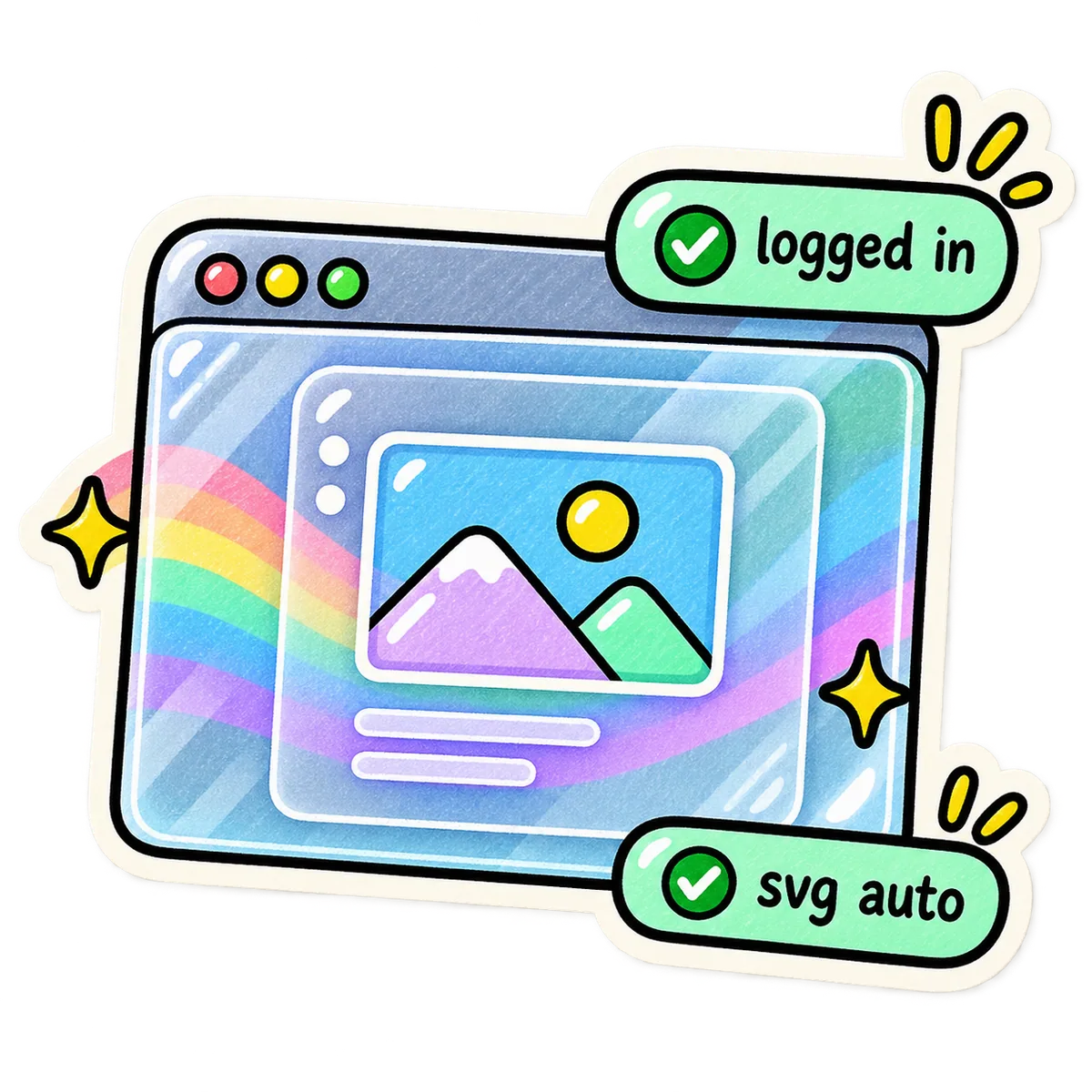
a real browser drives your already-logged-in ChatGPT session. no API key involved.

downloaded into assets/ or public/, then your agent wires it into the page.
Tip: Works with your login, your plan, your rules.
how it works
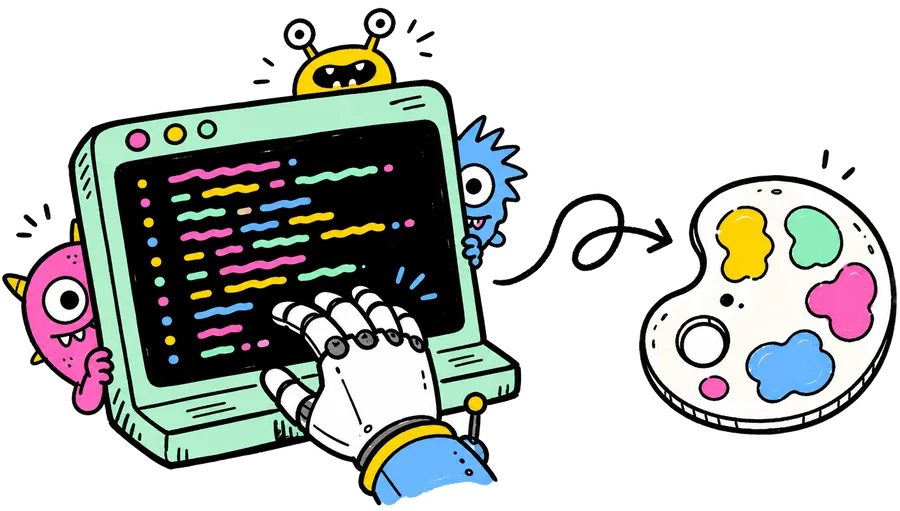
doodle-styled UI of the real path — MCP in, ChatGPT paints, PNG lands in your repo.
step one
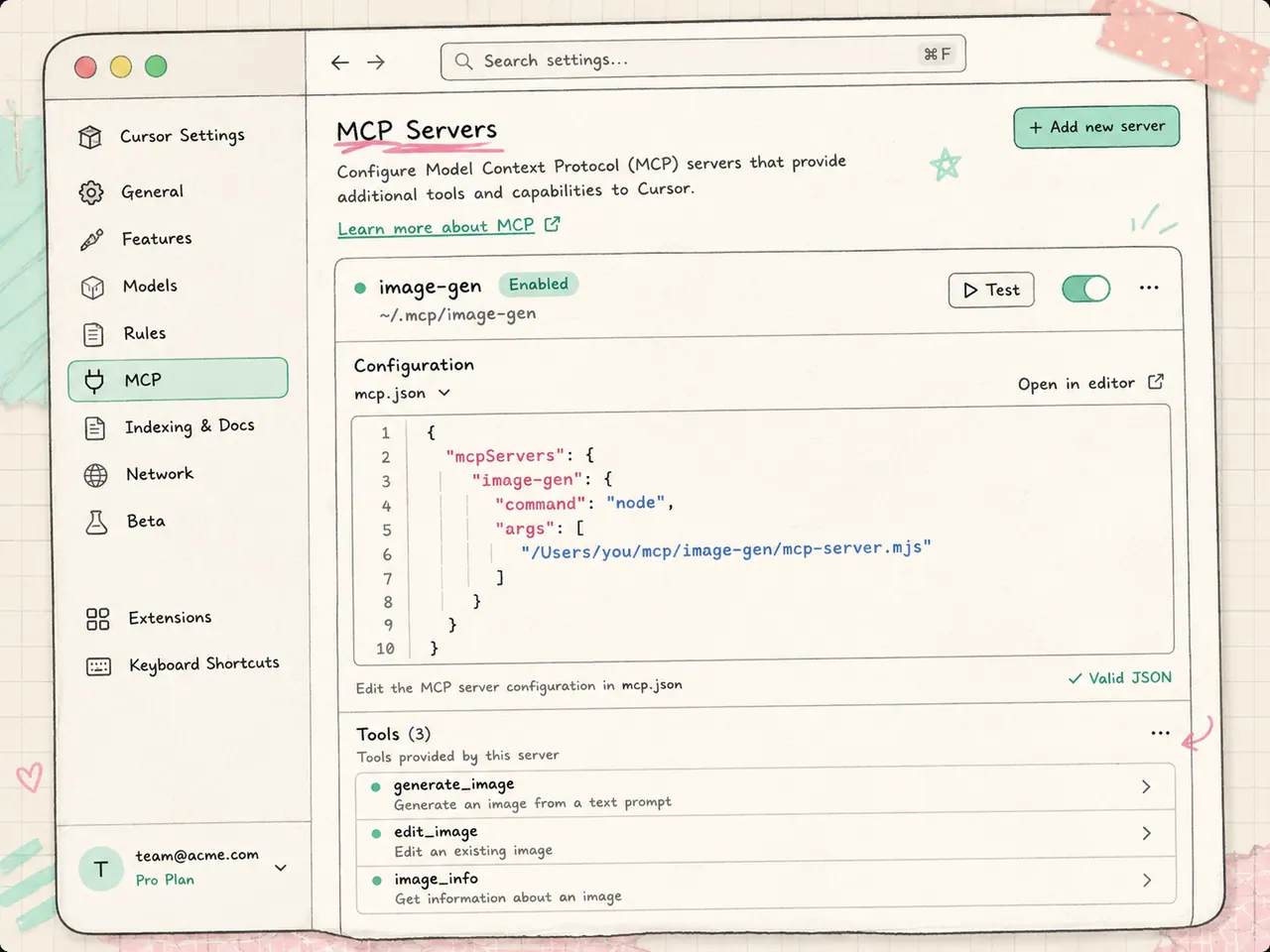
drop image-gen into your client's MCP config. one entry, one command, and every agent in that editor can suddenly draw.
step two
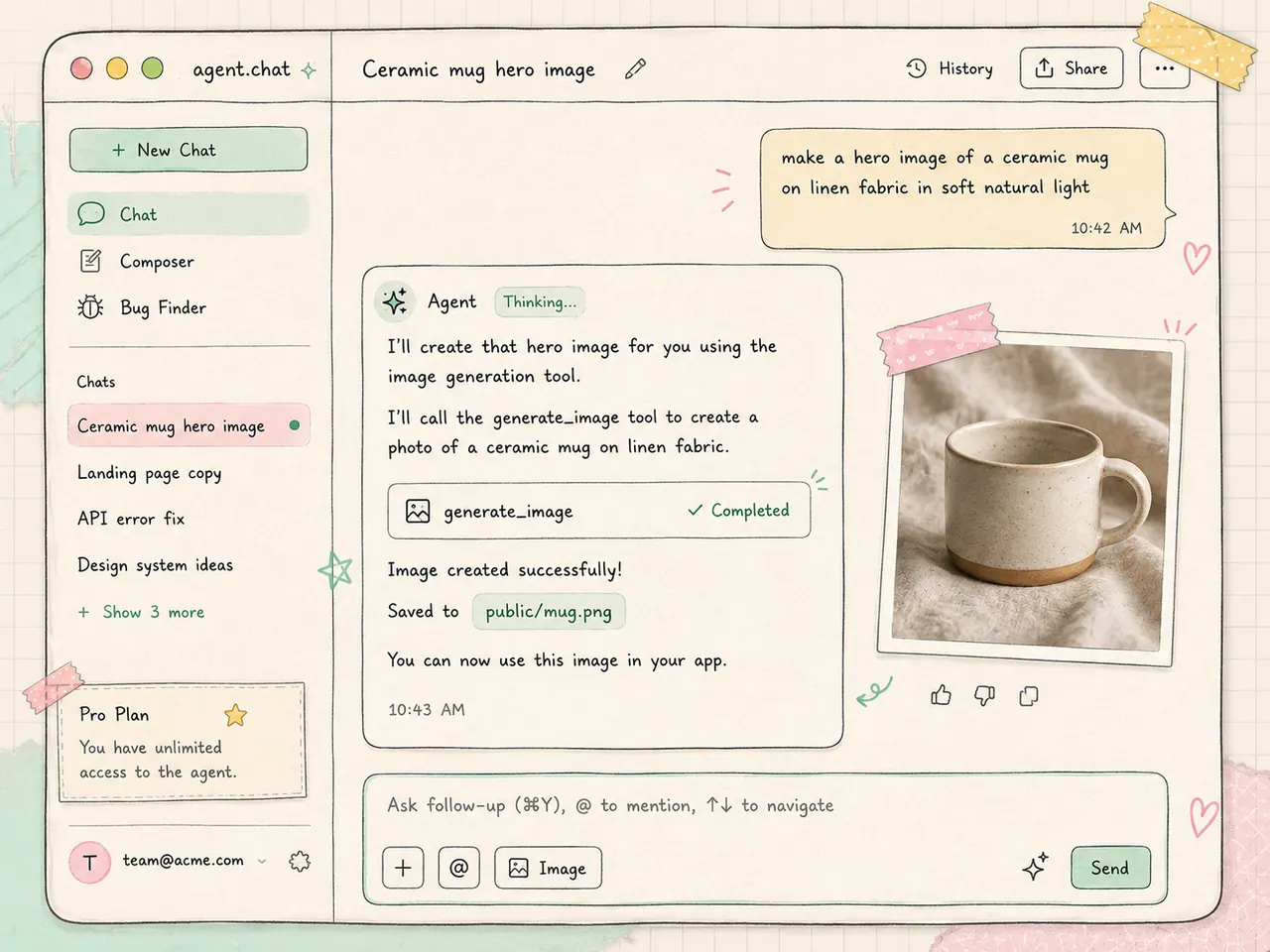
"make a hero image of a ceramic mug on linen" — no new tab, no prompt console, same conversation you were already in.
step three
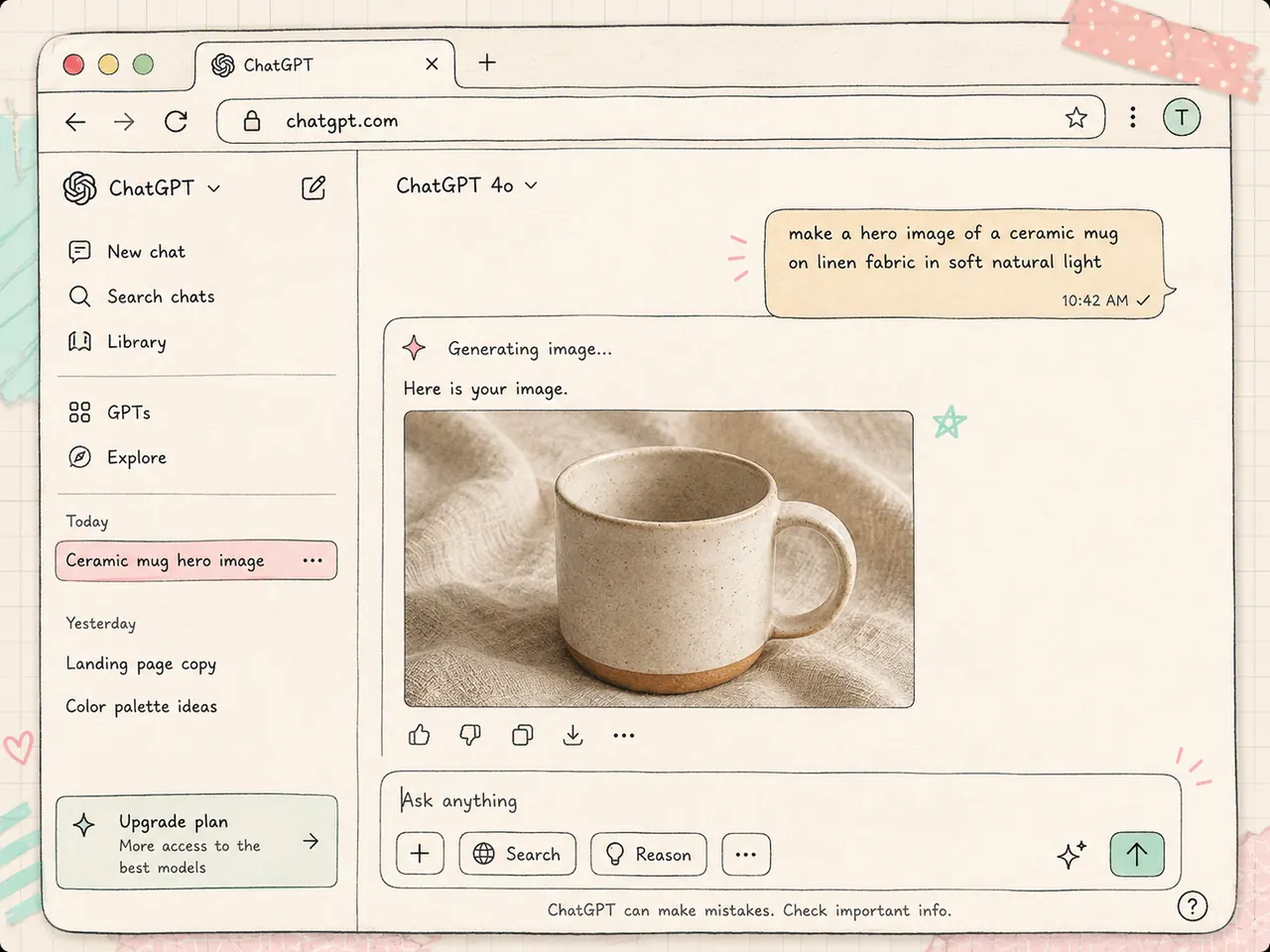
image-gen drives Microsoft Edge over CDP in a dedicated profile you logged into once. your working window is never touched, and no API key exists anywhere.
step four
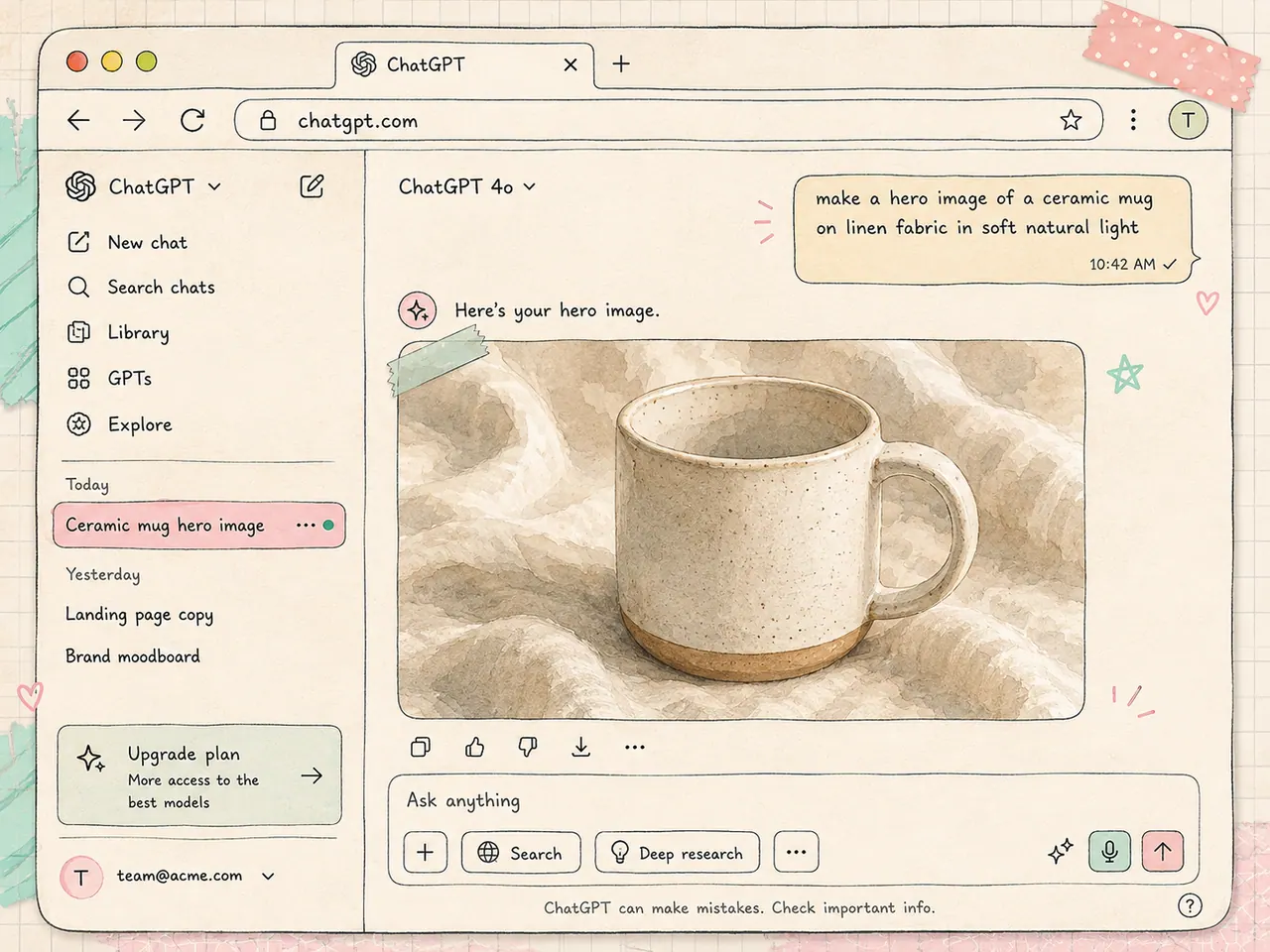
the prompt goes into your real ChatGPT session and the image renders there. parallel requests get queued so two prompts never scramble the composer.
step five
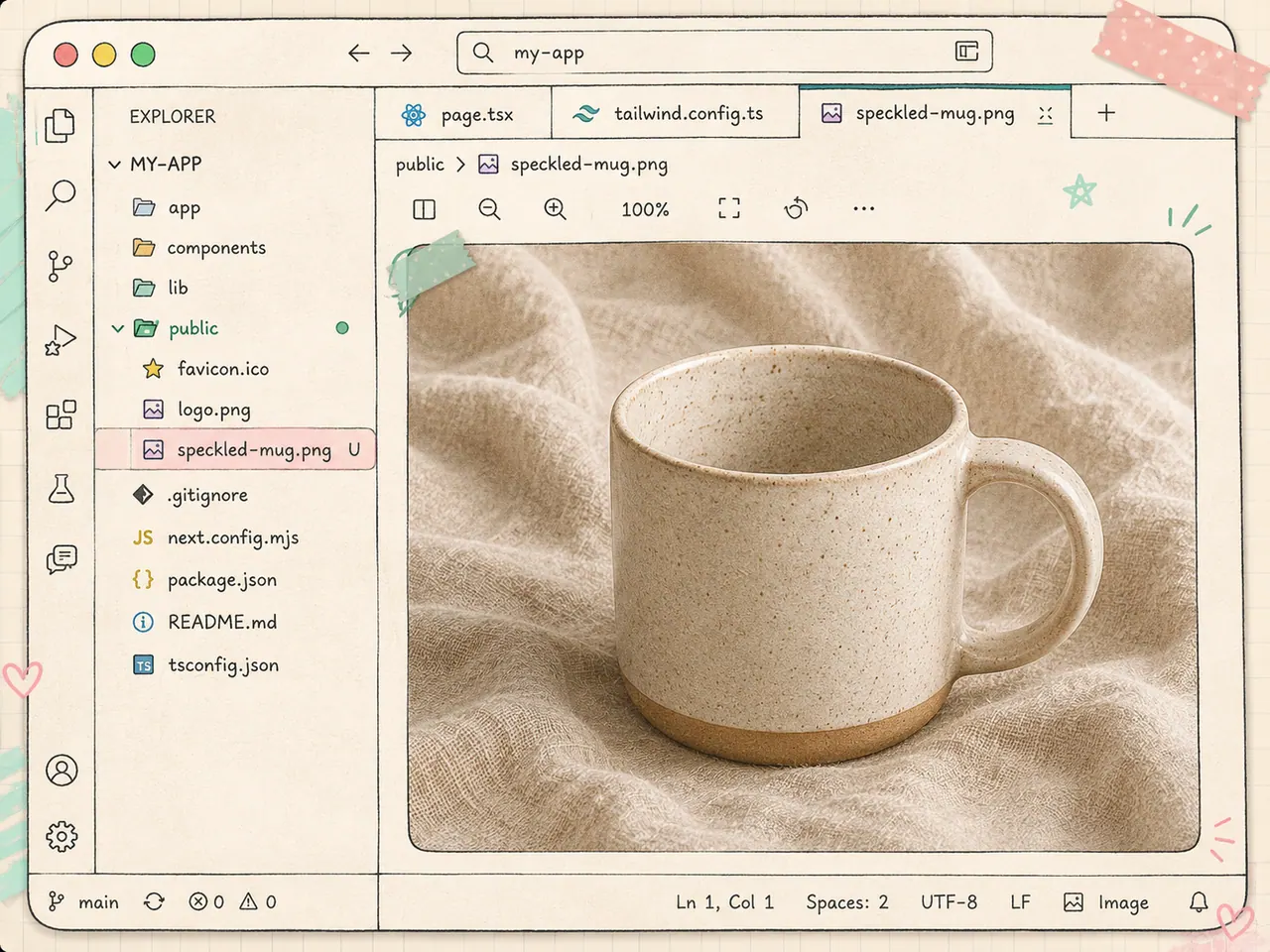
the file is downloaded to the path you asked for, and generate_image hands that path back so your agent wires the image into the page itself.
a real run
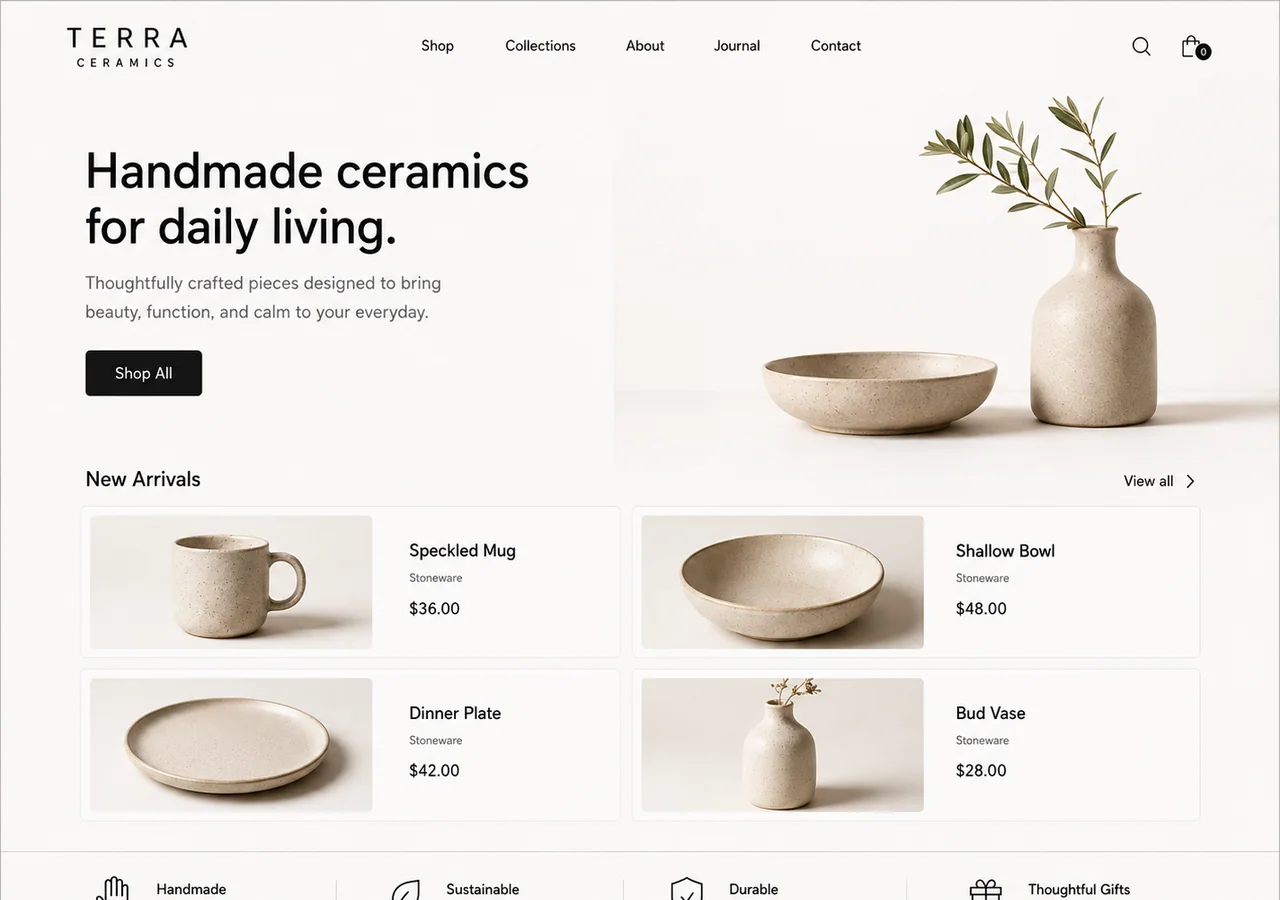
same Terra Ceramics site, two states. before: full layout with dashed SVG placeholders — no photography. after: the agent calls generate_image and paints an Awwwards-level storefront. drag the slider — or flip before / after — to see the jump.
step 1
full site ships with SVG diagrams in every image slot. layout is done — photos aren't.
step 2
the agent calls the MCP. ChatGPT paints each piece through your logged-in browser session.
step 3
same page, Awwwards-level photography wired in. drag the slider to see the jump.
install
git clone https://github.com/nothariharan/image-gen.gitnpm installnpm run login{ "mcpServers": { "image-gen": { "command": "node", "args": ["/absolute/path/to/image-gen/mcp-server.mjs"] } } }
then ask your agent for a hero image. it calls generate_image, ChatGPT paints, and the PNG shows up in your project. deploying this marketing site yourself? there's a Deploy on Zerops guide in DEPLOY_ZEROPS.md covering the web, api and postgres services.
register it once — it shows up wherever MCP does.
questions
no. that's the whole point. image-gen drives your existing ChatGPT session in a browser, so image generation comes out of the plan you already pay for.

clone it, log in once, and let the thing that writes your site also paint it.
github.com/nothariharan/image-gen